
Hello,
Microsoft has released windows 8.1 review and it is available right now!
Install it right now and be the first one who test it!
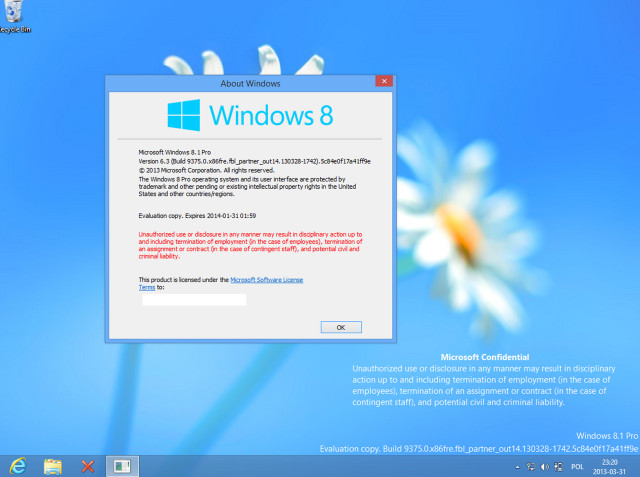
A screenshot from the preview:
The question is: How to install windows 8.1 preview?
The answer is easy.
First. Download windows 8.1 preview iso [all the languages are available]
Windows 8.1 Preview
Second. Burn the iso to CD/DVD or USB flash drive.
Third. Install it and have fun!
The product key: NTTX3-RV7VB-T7X7F-WQYYY-9Y92F
Thanks.
Sincerely,
Tech News

No comments:
Post a Comment